Troubleshooting: errors and symptoms
What each message and fault on the SeedHammer II means, and what to do about it.
What each message and fault on the SeedHammer II means on stock firmware v1.4.3, and how to clear it.
Seed words are typed on the machine only. Seed words and codex32 shares never pass through a phone, a computer or a chat assistant, and that includes asking for help. A descriptor is not a secret, but it reveals every address of the wallet.
First checks
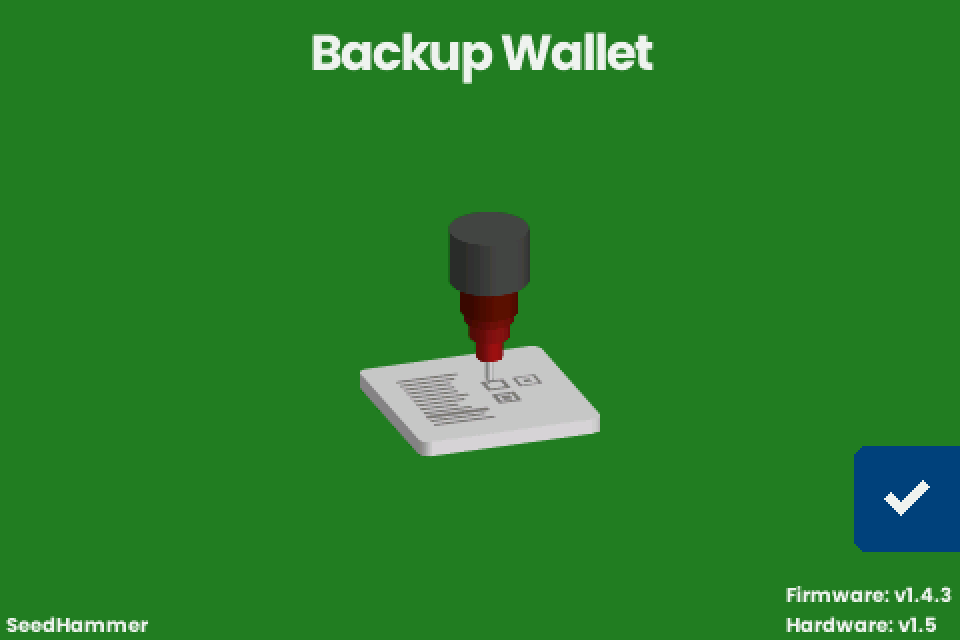
- Read the firmware line at the bottom right of the start screen, "Backup Wallet". The fixes below apply to "Firmware: v1.4.3".
- A v2.x beta is older than v1.4.3: upgrade first, see Firmware upgrade.
- Note the exact text on the screen before you tap anything. NFC status messages show for about one second.
Power and start-up
The machine starts only on a USB PD offer of 20 V to 28 V at 3 A or more; buy a supply that offers 20 V or 28 V at 5 A, see Choose the power supply.
| What you see | Cause | What to do |
|---|---|---|
| Black screen, or only the backlight | No PD offer of 20 V to 28 V at 3 A or more, so the machine is in upgrade mode (a computer sees a USB drive) | Connect a supply that offers 20 V or 28 V at 5 A, with the cable from the box |
| Dark screen right after a firmware upgrade | Normal on a computer port without 20 V PD | Connect the power supply |
| Restarts over and over at power-up | The charger's protection trips (Apple 140 W, unverified) | Try another charger |
| Stops mid-job and the start screen returns | The charger reset itself and the machine restarted | Restart the job, see Retry and restart |
| "Engraving failed." with "Error: engraver: not enough power available" (as the job switches the head on) or "Error: stepper: power loss or short circuit" (during the job) | The fault signal of the engraving head's driver: the supply, or a short circuit, for example in the head's wiring | Follow the steps below |
For either power error:
- Hold the hammer button to retry once.
- If it fails again, unplug the power.
- Push the engraving head cable and the 2-wire cable firmly into their plugs.
- Connect a supply that offers 20 V or 28 V at 5 A.
- Power up and start the job again. A seed has to be typed again.
Full detail per row: Power supply and first start.
Sending a descriptor over NFC
| What you see | Cause | What to do |
|---|---|---|
| Nothing happens on the machine | NFC is on only while the start screen, "Backup Wallet", is shown | Go back to it, lay the phone's antenna area flat over the panel right of the display, remove a thick case, and on Android switch NFC on. See Send a descriptor with NFC Tools |
| The phone says the write worked, the machine shows nothing | The machine reads Text and URI records only; a Data, MIME or Smart Poster record, or UTF-16 text, is skipped while the phone reports success | Use one Text record |
| NFC Tools reports an error at the end of the write | Harmless when the machine shows "Engrave Descriptor" | See NFC Tools reports an error |
| The machine shows a different wallet from the one you sent | An older record still in the NFC Tools list (unverified) | Keep exactly one Text record |
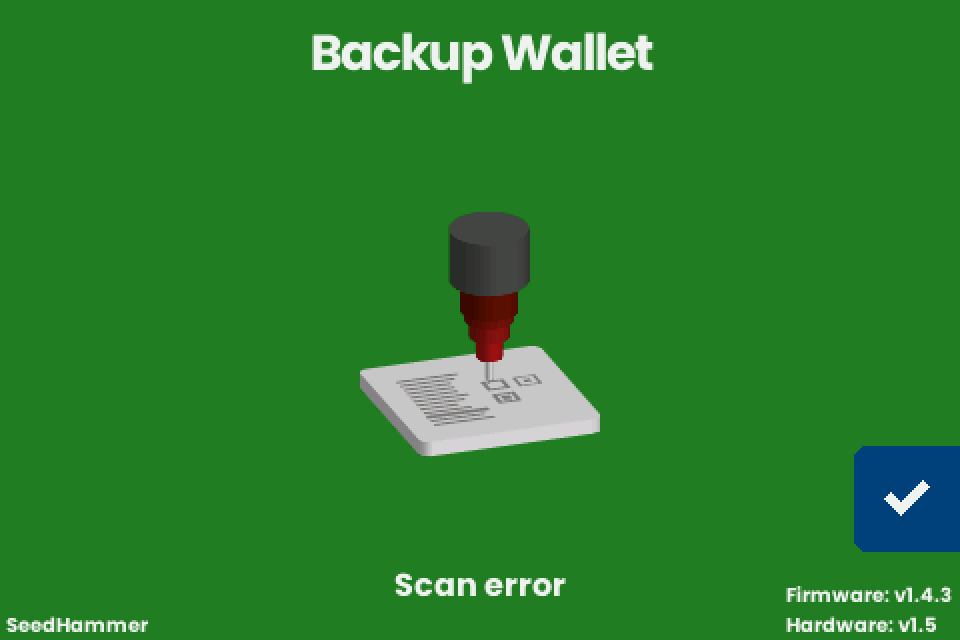
| A Coldcard gives "Scan error", "Unknown format" or nothing | The Mk4 antenna is weak | Remove the sleeve and hold the Coldcard to the right of the display. Which export to send: Coldcard |
| A tag, a card or a desktop NFC writer does not work | The machine reads only some tag types; desktop writers unverified | See NFC tags, cards and desktop writers |
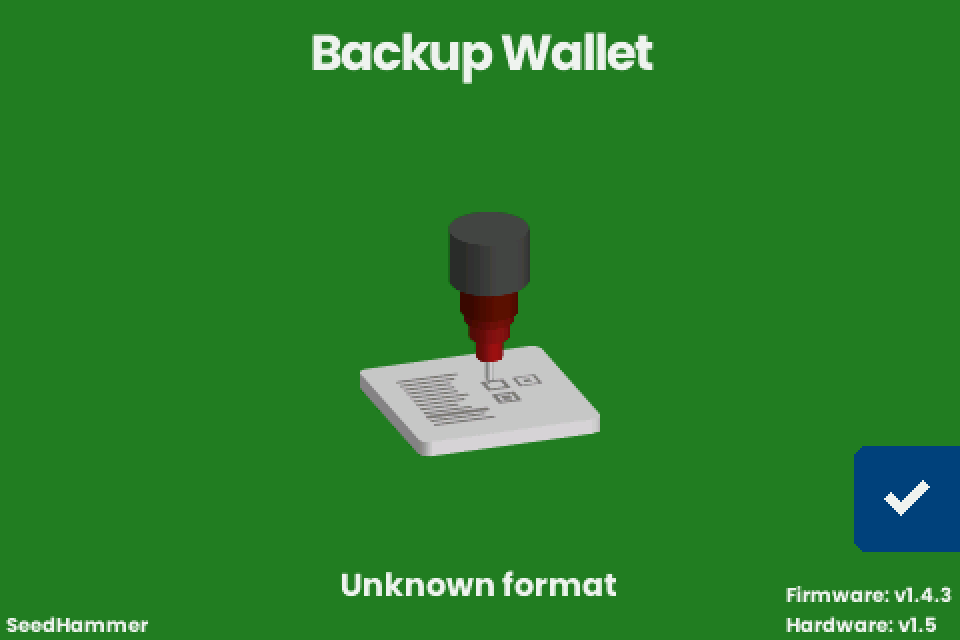
"Unknown format" flashes on the start screen when the text matches none of the formats the machine reads.
| Cause | Fix |
|---|---|
| A line break or space before or after a one-line descriptor or key | Delete it in NFC Tools. Do not retype any characters |
A URL / URI record: it arrives with https:// in front |
Use a Text record |
?bh= or ?gl= near the end (Sparrow 2.5 and later, after a confirmed payment or a gap-limit change) |
Delete everything from ? to the end, see Prepare the text |
Coldcard-format text without a Name: line, with Windows line ends (CRLF), with indented lines, or with two different Derivation: lines |
Keep the Name: line and plain line ends; for mixed paths send a plain descriptor, where each key carries its own path |
Coldcard-format text with Format: P2SH-P2WSH (a wrapped BlueWallet vault, a P2SH-P2WSH Coldcard export) |
Send a plain descriptor string |
| Receive and change descriptors on two lines | Send one line: the multipath /<0;1>/* descriptor, or the first line alone |
A BSMS record (first line BSMS 1.0) |
If its second line is a full descriptor, send only that line. A second line ending in /** is a template the machine cannot read: export a plain descriptor |
A script the machine does not engrave: unsorted multi, miniscript (Liana wallets, for example), taproot multisig, taproot script paths |
None on v1.4.3, see Scripts |
A bare key with a ypub, Ypub, Zpub, upub or vpub prefix |
Send a descriptor with key origin |
| Seed words with a failed BIP39 checksum, which includes most Electrum seeds | Type seed words on the machine, see Entering a seed |
| What you see | Cause | What to do |
|---|---|---|
| "Scan error" flashes on the start screen | The transfer broke off, or the text was 8192 bytes or longer, which only unusual sources send (a phone cannot send that much) | Write again. After one oversized payload every later scan fails until you leave the start screen (unverified): tap the checkmark (bottom right), tap the back arrow (top right) on "Input Seed", and write again |
| "Content too large" | Never shown on v1.4.3: the text exists in the firmware, but nothing triggers it | Note the firmware line and report it |
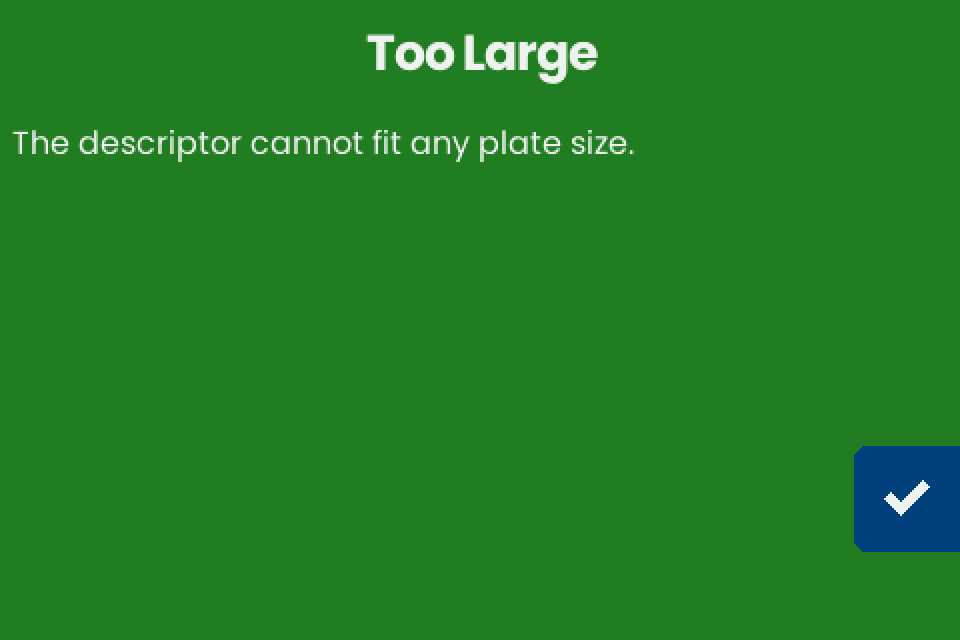
| "Too Large" with "The descriptor cannot fit any plate size." | None of the three layouts fits the 85 x 85 mm plate; removing spaces, the checksum or JSON keys changes nothing | Tap the checkmark to return to "Engrave Descriptor", then see What fits on a plate |
| "TEXT + QR" is not offered | The "Engrave" screen lists only the layouts that fit; a multisig with key origins gets "TEXT ONLY" and "QR ONLY" | See What fits on a plate |
| The machine freezes after the checkmark on a descriptor | An out-of-memory fault on v2.0.4-beta, fixed in the release of 2026-01-31 | Upgrade a v2.x beta |
| "Engrave Descriptor" shows "Legacy (P2PKH)" for a segwit wallet | A bare xpub |
Send a full descriptor with key origin, see Bare keys |
| No "Title" line, or the title is not on the plate | A title comes only from a JSON label or a Coldcard-format Name: line, and it is shown, not engraved |
See Titles |
Entering a seed
| What you see | Cause | What to do |
|---|---|---|
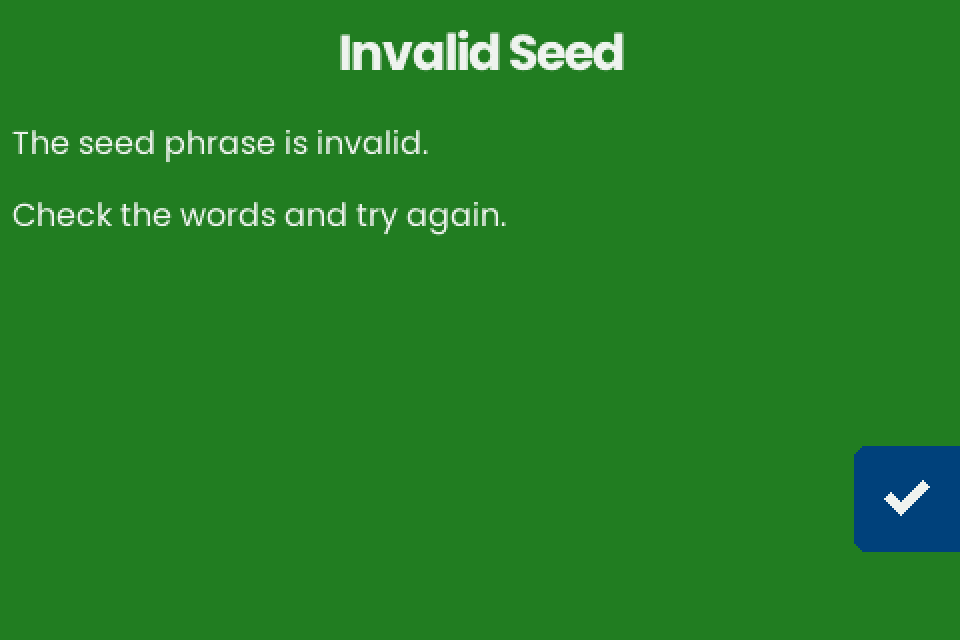
| "Invalid Seed": "The seed phrase is invalid. Check the words and try again." | At least one word is wrong or out of order: the phrase fails the BIP39 checksum | Tap the checkmark (bottom right) to return to "Engrave Seed", tap the word, tap the pencil (middle right) and type it again; see Check the words |
| "Invalid Seed" after the last word of an LND aezeed phrase (message unverified) | aezeed is a different scheme; its 24 words come from the BIP39 word list, so every word can be typed | None: the machine engraves BIP39 seeds only |
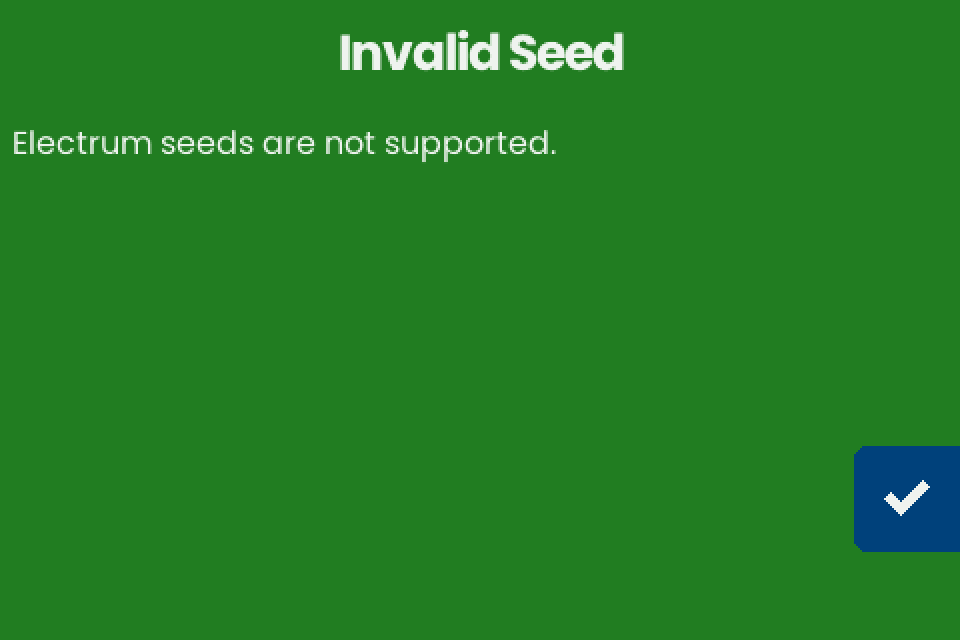
| "Invalid Seed": "Electrum seeds are not supported." | An Electrum seed, a different format from BIP39 | None: the machine engraves BIP39 seeds only |
| Letters go dim and a word cannot be typed | After each key the keyboard dims every letter that cannot continue a BIP39 word | Check the word: only BIP39 words can be entered |
| The machine freezes after the first key on "Input Words", or after the first key after the pencil | X as the first letter of a word stops the v1.4.3 firmware (freeze or restart unverified); no BIP39 word starts with X | Unplug the power and start again. The words are gone: the firmware keeps nothing after power-off |
| The fingerprint on the seed plate does not match your wallet | The machine engraves the fingerprint for an empty passphrase; v1.4.3 has no passphrase screen | None: a wallet with a passphrase shows a different fingerprint |
| The back arrow on "Engrave Seed" opens "DISCARD SEED?" | Going back discards the words typed so far | Tap the back arrow to cancel, or hold the trash button for one second to discard |
About 1 in 16 12-word Electrum seeds also pass the BIP39 checksum; the machine takes such a seed as BIP39 and engraves it without any message.
Engraving
| Error text after "Error: " | Cause | What to do |
|---|---|---|
| "stepper: homing timed out" | An axis did not reach its stop when the job started, for example because of a loose pulley: the motor turns, the axis does not | Retry once, then tighten the pulleys |
| "stepper: x-axis blocked" or "stepper: y-axis blocked" | The motor driver on that axis reported a stall (trigger unverified) | Remove anything in the head's path and retry. If it fails again, unplug the power and move the head by hand along both axes |
| "mjolnir2: buffer underrun", or "buffer overrun" (unverified) | Harmless (unverified) | Retry, see Retry and restart |
| "engraver: not enough power available" or "stepper: power loss or short circuit" | The fault signal of the engraving head's driver, see Power | Retry, then reseat the cables and change the supply |
| "engraver unavailable" | No engraver was set up at power-up (hardware cause unverified) | Start with the power supply |
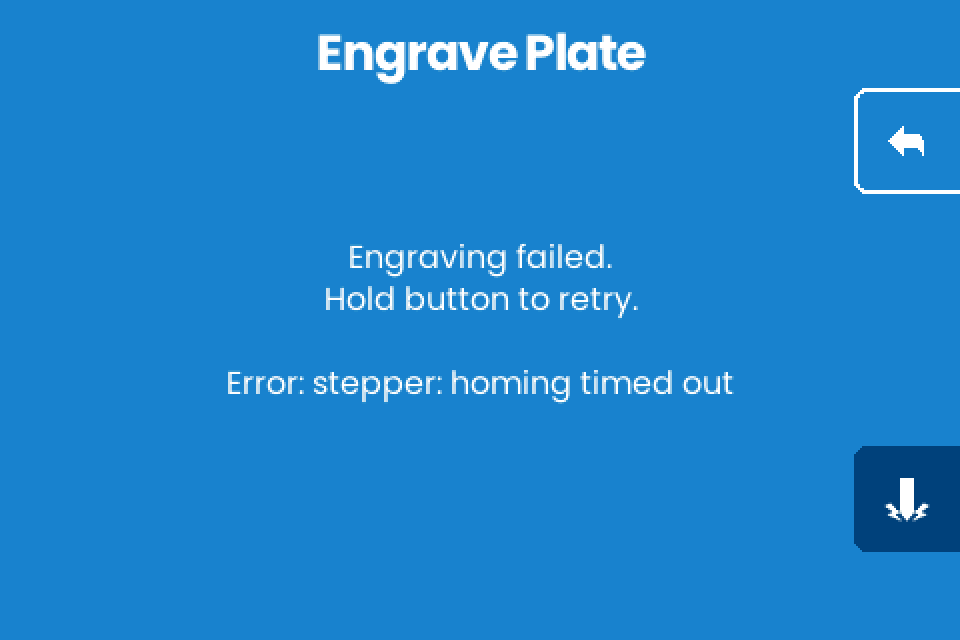
Homing also runs at power-up; a failure there shows no message, and the error appears when a job starts (unverified).
| What you see | Cause | What to do |
|---|---|---|
| The hammer button does nothing | It needs a one-second hold; releasing early cancels | Hold it until the ring fills |
| The head moves but stops striking part way, often on the right side or in the QR | A loose head cable, a sticking needle or a weak supply | See Needle and cables |
| Wobbly or wavy text | A loose set screw on the Y-axis holder, or a slack belt | See Belts and Y-axis holder |
| The last words on the plate fade | Play in the X axis, a loose set screw in the brass nut, or a loose plate clamp | See Brass nuts |
| The head passes over the orange frame at power-up | It drives to its homing corner, then to the plate origin; passing over the frame on the way is normal (unverified) | None |
| The head scrapes the orange frame | A loose pulley | See Pulleys |
| Progress stays at 0% and nothing moves | An out-of-memory fault in early beta firmware with 24-word seeds, fixed in the release of 2026-01-31; v1.4.3 shows progress as a countdown ("M:SS") | Upgrade a v2.x beta |
| The back arrow does nothing on "Engrave Plate" after a codex32 share | A share sent over NFC goes straight to "Engrave Plate", with no way back (unverified) | Finish the engraving or unplug the machine. See Shares |
| You want to test a job without engraving a plate | v1.4.3 has no dry-run mode | See Test a job without engraving a plate |
Retry, resume and restart
| Situation | What to do | Result |
|---|---|---|
| "Engraving paused." with "Hold button to resume.", after a tap on the left arrow | Hold the hammer button | The job continues where it stopped |
| Leaving a paused job | Tap the back arrow | The stop point is dropped; the next start engraves the whole plate from the beginning |
| "Engraving failed." with "Hold button to retry." | Hold the hammer button | The head homes and the job continues from the stop point (unverified) |
| A restart after a power loss or after leaving a paused job, with a partly engraved plate | Start the job again; after a power loss a seed has to be typed again. The same plate or a blank plate (unverified) | Whether the restarted job lands on the first strikes (unverified) |
Screen and touch
| What you see | Cause | What to do |
|---|---|---|
| The screen is garbled or looks like a screen saver, for example after a firmware upgrade | The flat cable between the board and the display is loose | Reseat it, steps below |
| An animation covers the screen and the first touch does nothing | The screen saver starts after three minutes without input; the first touch only wakes the screen | Touch again to act |
To reseat the display cable:
- Unplug the power.
- Open the two black locks of the display connector.
- Push the cable fully in.
- Press the locks closed.
If it does not work
When you ask for help, give these details:
- The firmware and hardware lines from the start screen.
- The exact text on the machine.
- The power supply, with its voltage and port.
- For NFC: the phone, the app and its version.
- In place of the descriptor, the "Type" and "Script" lines from "Engrave Descriptor".