Hardware, spare parts and self-builds
What wears on the SeedHammer II, where spare parts come from, and what the open hardware files contain.
Wear, heat and noise, spare parts, the controller board and the open design files of the SeedHammer II on stock firmware v1.4.3. The SH II is sold out and no longer produced.
Seed words are typed on the machine only and never pass through a phone, a computer or a chat assistant. A descriptor holds no secret and reveals every address of the wallet.
What you need
- The USB-C power cable unplugged before you touch any plug inside the machine.
- The hardware line from the start screen, for example "Hardware: v1.5"; quote it when you ask for a spare part.
- For a board swap: a computer to upgrade the new board (Firmware upgrade).
- For a self-build: the hardware repository.
What wears, and how long it lasts
| Item | Figure | What to do |
|---|---|---|
| Machine | Hundreds of plates, a design target; SeedHammer's own runs had not reached it by 2025-07. | |
| Carbide needle tip | 500 to 1000 plates without dulling (unverified). | |
| Steel on the tip | Can build up. | Scrape it off. Put a drop of light oil on the plate before engraving. |
| Sticking needle, wobbly text, fading words, homing errors | Mechanical faults, separate from wear. | Engraving quality |
Heat and noise
The "Engrave Plate" screen warns before every job: "The process is loud, use hearing protection."
| Item | Figure | What to do |
|---|---|---|
| Power while engraving | Not much above 30 W on a meter sampling about once a second (unverified). Short peaks can be far higher. | Size the supply by Choose the power supply, never by this figure. |
| Box lined with sound-deadening mat | Quieter; in one such box the hammerhead reached about 90 °C (unverified). | Let it cool between runs. |
Spare parts
Every part except the hammerhead is a standard part or can be made from the repo files.
| Part | Where it comes from | In the repo |
|---|---|---|
| Hammerhead (electric coil, carbide tip, 2-pin plug) | SeedHammer; stock unverified. A look-alike marketplace head was pneumatic. | specs/hammerhead.pdf |
| Controller board | SeedHammer, in small batches (unverified), or made from the repo files. Production boards: made and assembled by JLCPCB. | mainboard/pcb |
| Display | ER-TFT035IPS-6 with capacitive touch, from buydisplay.com. The resistive-touch variant does not work with the firmware. | README |
| Stepper motors, bearings, rods, lead screws, belts, pulleys, bushings | Standard parts, in the parts list. | shii/bom/bom.csv |
| Screws and nuts | ISO and DIN standard fasteners. | shii/bom/fasteners.csv |
| Frame and other custom parts | FDM-printed, CNC-milled or lathe-machined from the STEP files; the parts list gives filament, layer and infill for printed parts. | shii/cad |
| Plates | Plates |
Take out the controller board
The controller board carries the microcontroller, USB-C power negotiation, stepper drivers, hammerhead supply, display connection and NFC reader. It unplugs, so you can keep, destroy or swap it without taking the frame apart.
- Unplug the USB-C power cable from the machine.
- Disconnect the plugs from the board.
- Pull the right side of the board out.
- Slide the left side free without straining the USB-C socket.
The repo design has two 4-pin motor plugs (J1 X, J5 Y), the 2-pin solenoid plug (J8), the display's flat cable and two 3-pin connectors; the count on a shipped machine is unverified.
Board buttons: the firmware button.
Fit a board
- Upgrade a replacement board before use: Firmware upgrade.
- Fit the board in the reverse order of removal (order and fixings on a shipped machine unverified).
- Push each plug fully home.
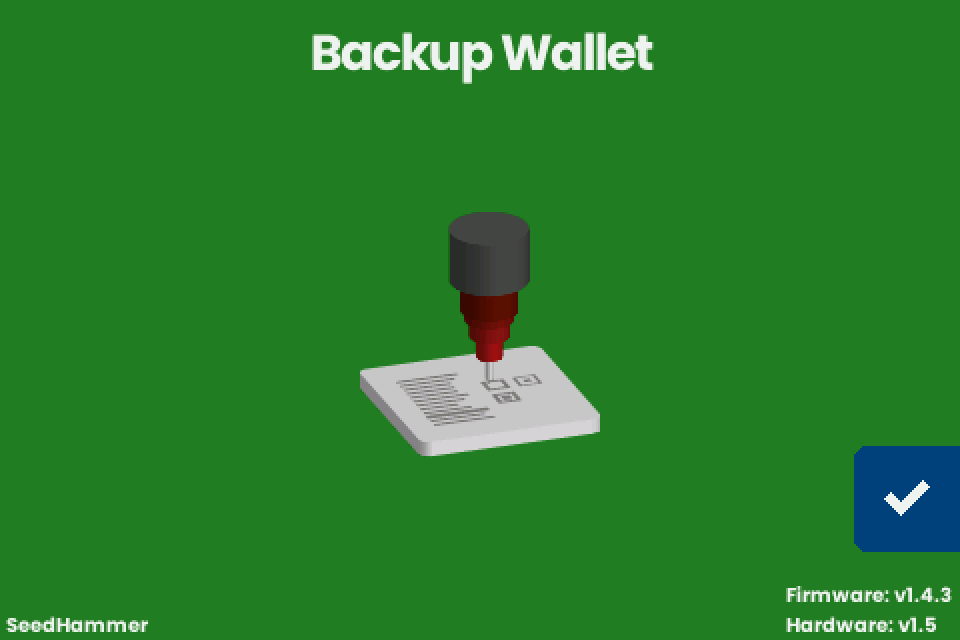
- Connect the power supply. The start screen "Backup Wallet" shows "Firmware: v1.4.3" bottom right.
Test without wasting a plate
v1.4.3 has no dry-run setting.
- Unplug the engraving solenoid: Unplug the engraving solenoid.
- Send a public test descriptor and watch the job run without strikes. Never test with a real seed.
Keep, swap or destroy the board
You never have to replace the board: the firmware writes nothing durable. When to keep, swap or destroy it: Lending, selling and travel; what each chip holds: What the machine keeps.
Build or repair from the open files
The design files in the hardware repository are public domain.
| Item | Detail |
|---|---|
| Board | KiCad schematic and PCB in mainboard/pcb; the board's components are listed only there. The README explains how to generate the production files and lists the JLCPCB settings. Its command says cd pcb; run it in mainboard/pcb. |
| Mechanics | STEP files in shii/cad; drawings shii/cad/clampsled.pdf, shii/cad/nema17-stepper.pdf, specs/hammerhead.pdf. Parts-list row of the clamp sled drawing unverified. |
| Parts lists | shii/bom/bom.csv (machine parts by assembly group), shii/bom/fasteners.csv (screws and nuts). The counts differ between the two in places. |
| Firmware | Install a release (Firmware upgrade) or build from source and compare (Rebuild a release). On a repo-built board a release file boots and shows " (UNLOCKED)" (unverified). |
| Kit, assembly guide | None. No assembly instructions are planned for the SH II. |
| A computer instead of the board | Not possible: the board also handles power, motors and hammerhead. |
| Early boards | Can differ: board parts changed during production, and the repo holds the latest design. |
If it does not work
| Symptom | Cause | Fix |
|---|---|---|
| The screen stays black. | No supply offer of 20 V to 28 V at 3 A or more. | Power faults |
| The screen is garbled after the board was out. | Loose display ribbon. | Reseat the ribbon |
| The head moves but does not strike, or stops striking partway. | Loose 2-pin engraving solenoid plug, sticking needle, or weak supply. | Needle and cables |
| "Engraving failed." with "Error: stepper: homing timed out". | Loose pulley set screw or weak supply. | Pulleys |
| The start screen shows " (UNLOCKED)". | Secure boot is off, or a boot key other than the SeedHammer key is valid. | If you did not add a key: Read the lock mark |