What fits on a plate, and multisig without sharding
Back up a multisig wallet on the SH II, one plate per seed and the descriptor where you choose.
Back up a multisig wallet on the SH II (stock firmware v1.4.3) as separate jobs: each cosigner seed on its own plate, then the whole descriptor, as text or QR code, on the plates you choose. The machine has no multisig menu and, unlike the original SeedHammer, never splits a descriptor across plates.
Type seed words on the machine only; they never pass through a phone, a computer or a chat assistant.
What you need
- One blank plate and the written seed words for each cosigner, and a free face for each copy of the descriptor.
- The descriptor as text on a phone with NFC Tools: NFC Tools transfer, desktop wallets, phone wallets.
- A sorted multisig (
sortedmulti): P2WSH, P2SH-P2WSH or P2SH. Others give "Unknown format". - A descriptor string, never a bare key: a bare key loses its script and origin (why). For P2SH-P2WSH or P2SH, no "Coldcard Export" either: the P2SH-P2WSH one gives "Unknown format", the P2SH one stops the firmware (unverified).
Plan where the descriptor goes
A descriptor is not a secret and cannot spend, but it reveals every address and balance of the wallet. Without it, spending can be blocked, so it goes on steel. Each descriptor job engraves the whole descriptor, unencrypted, on one face. No single plate can spend from a 2-of-3; you choose which plates carry the descriptor:
| Layout | You restore with | One plate found by someone else shows |
|---|---|---|
| Descriptor on the back of every seed plate | any 2 of the 3 plates | one seed, plus every address and balance of the wallet |
| Descriptor on plates of its own, stored apart from the seeds | 2 seed plates and 1 descriptor plate | a seed plate: one seed only; a descriptor plate: every address, no seed |
Engrave each seed
Engrave each seed as a normal seed job on its own plate: Enter a seed on the touchscreen. v1.4.3 has no passphrase screen. The fingerprint above the words is that of the seed without a passphrase, so a passphrase cosigner's plate will not match the descriptor. Store the passphrase some other way.
Engrave the descriptor
- Prepare the text: nothing from
?on, no line break after it (how). - Bring the machine to "Backup Wallet". It listens for NFC on this screen only.
- In NFC Tools, write the text as a Text record, never URL, with the phone flat on the panel right of the display.
- On "Engrave Descriptor", compare Type and Script with your wallet, such as "2-of-3 multisig".
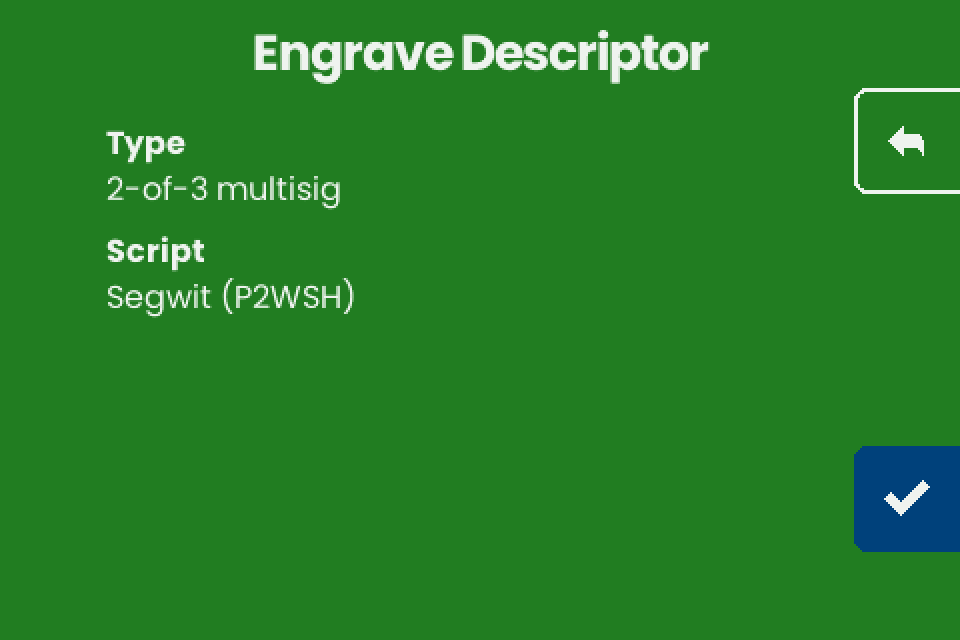
- Tap the checkmark (bottom right).
- On "Engrave" ("Choose engraving"), tap TEXT ONLY or QR ONLY, then the checkmark.
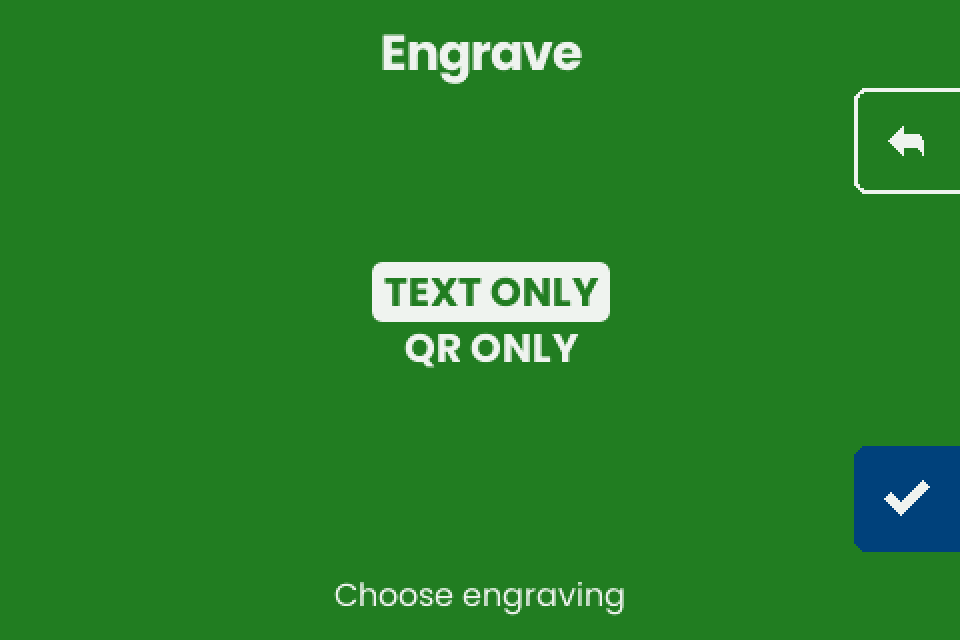
- For the back of a seed plate, turn the plate over (seating face down and damage to the seed face unverified).
- On "Engrave Plate", insert the plate and engrave as in Load a plate.
- For every further copy, write the descriptor again on "Backup Wallet".
The machine asks for no seed before "Engrave Descriptor" and never compares the descriptor with seeds engraved before (unverified).
What fits on a plate
After the checkmark on "Engrave Descriptor", the machine tries three layouts on one face and offers those that fit: TEXT + QR, TEXT ONLY, QR ONLY. If none fits: "Too Large" and "The descriptor cannot fit any plate size." No title is engraved (Titles).
- Text: the rebuilt descriptor with each key's fingerprint and path, and the checksum (
#and 8 characters). - QR code: the same descriptor without the checksum, at error correction level L (the lowest).
- Fit is decided on the rebuilt descriptor: removing spaces, line breaks, JSON keys or the checksum changes nothing.
- Fit counts keys and ignores the threshold: a 2-of-5 is as long as a 3-of-5.
- Fit on older firmware does not carry over: the v1.4.3 QR code keeps fingerprints and paths and is larger.
| Wallet, every key with fingerprint and path | Layouts offered (unverified) |
|---|---|
Single-sig (wpkh, pkh, tr with one key) |
TEXT + QR, TEXT ONLY, QR ONLY |
| Multisig with 2 to 4 keys (1-of-2, 2-of-3, 2-of-4, 3-of-4) | TEXT ONLY, QR ONLY |
| Multisig with 5 or more keys (2-of-5, 3-of-5, 3-of-6) | "Too Large" |
Use two faces for both forms of a multisig descriptor. Text is read by eye and its checksum catches a typing mistake; a QR code needs a camera that reads steel (recovery). Demo 2-of-3, before homing: about 11 minutes as TEXT ONLY, 39 as QR ONLY (unverified).
Why the plate differs from what you sent
hinstead of'. The machine writes hardened steps ash(48h). Same keys and addresses, but the checksum covers every character, so a descriptor sent with apostrophes (48', as Nunchuk writes) comes back with another checksum (unverified). Descriptor strings from Sparrow, Specter and Coldcard usehand come back unchanged (unverified).- No
/<0;1>/*or/0/*. Coldcard-style setup text (Coldcard, BlueWallet vault, Sparrow's Coldcard, Keystone and Passport Multisig exports) and Sparrow's Specter Desktop export carry no child path, so the plate has none. A Coldcard refuses it on import ("Invalid subderivation path - only 0/ or <0;1>/ allowed"); Nunchuk too (unverified). For a Coldcard restore, send a descriptor with/<0;1>/*on every key. - Plates from v1.4.1 and v1.4.2. Their QR code left out the master fingerprints and the origin paths before each key; like v1.4.3, it carried no checksum. The addresses are the same. Some hardware signers need the full key origins to sign: Plates from older firmware.
To check any plate, let your wallet derive the first receive address from the engraved text and compare it.
If it does not work
| Symptom | Cause | Fix |
|---|---|---|
| "Too Large" / "The descriptor cannot fit any plate size." | Five or more keys with full origins on v1.4.3 (table). Dropping key origins leaves a descriptor some signers refuse. | Engrave the seeds. Keep the descriptor in another durable form. |
| Only TEXT ONLY and QR ONLY offered | Normal for multisig on v1.4.3. | Use two faces for both. |
| "Unknown format" with a multisig descriptor | Unsorted multi, taproot multisig or miniscript; Coldcard-style text with a second Derivation: line; Format: P2SH-P2WSH (a P2SH-P2WSH "Coldcard Export" or a wrapped BlueWallet vault). |
Export a plain descriptor with every key's origin. Every cause: Troubleshooting. |
| NFC Tools shows an error after the write | The phone moved, or the machine answered late (after more than about 77 ms, while the screen redraws). | Harmless if the machine shows "Engrave Descriptor" (NFC Tools). |
| Fingerprint on a seed plate differs from the descriptor | The cosigner uses a passphrase (the plate carries the fingerprint without it), or the seed belongs to another wallet. | See Engrave each seed. |
| Engraved checksum differs from your wallet's | Your wallet wrote apostrophes (why). | Compare first receive addresses. |